







A vacuum cleaner with a brush roll that won’t spin can significantly reduce cleaning efficiency, especially on carpets and rugs. The brush roll agitates dirt and debris, making it easier for the vacuum to suction them up. If your brush roll isn’t spinning, don’t worry—this is a common issue that can often be fixed with a few simple steps. Here’s how to troubleshoot and repair a vacuum brush roll that won’t spin.
Why Your Vacuum Brush Roll Isn’t Spinning
Before fixing the issue, it’s important to understand what might be causing it. Here are the most common reasons:
- Hair and debris tangled around the brush
- Broken or loose drive belt
- Motor malfunction
- Blockages in the vacuum
- Faulty brush roll switch or settings
Step-by-Step Guide to Fix the Problem
1. Turn Off and Unplug the Vacuum
Safety comes first. Always unplug your vacuum cleaner before inspecting or repairing it to avoid electrical hazards.
2. Check for Hair and Debris Buildup
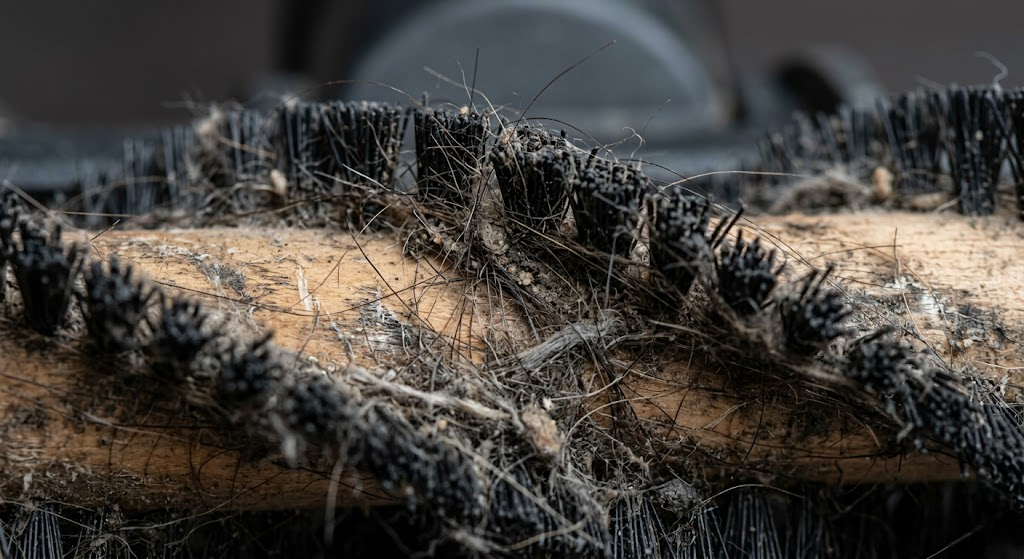
One of the most common causes is tangled hair or threads wrapped around the brush roll.
What to do:
- Flip the vacuum over
- Remove the brush roll cover (usually secured with screws)
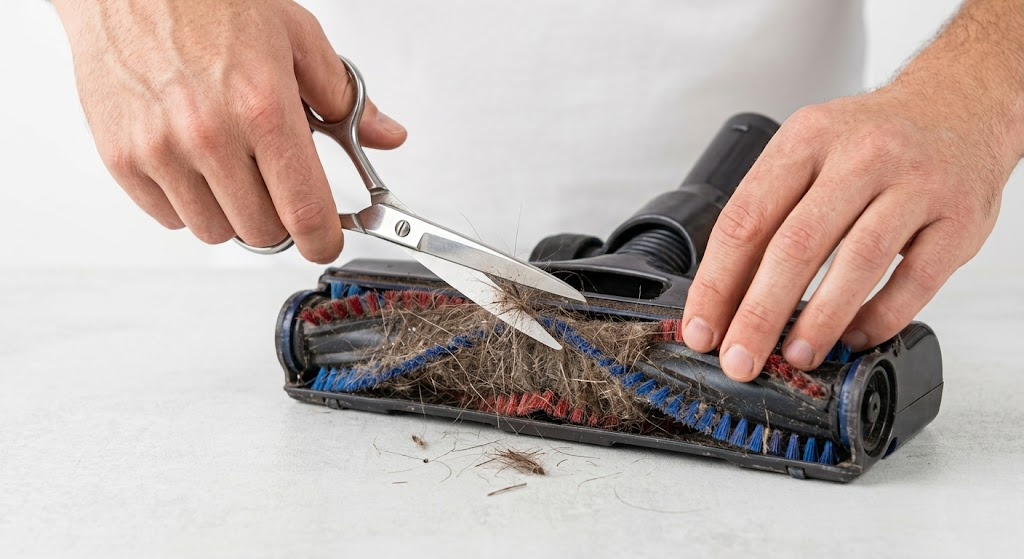
- Use scissors or a blade to cut away tangled hair
- Clean the brush thoroughly
Tip: Regular cleaning prevents this issue from happening again.
3. Inspect the Drive Belt
The drive belt connects the motor to the brush roll. If it’s broken or stretched, the brush won’t spin.
Steps:
- Remove the brush roll
- Check the belt for wear or damage
- Replace it if it looks loose, cracked, or broken
Replacement belts are inexpensive and easy to install.
4. Check for Blockages
Airflow blockages can prevent the brush roll from spinning properly.
Look for:
- Clogged hoses
- Debris stuck in the vacuum head
- Full dustbin or bag
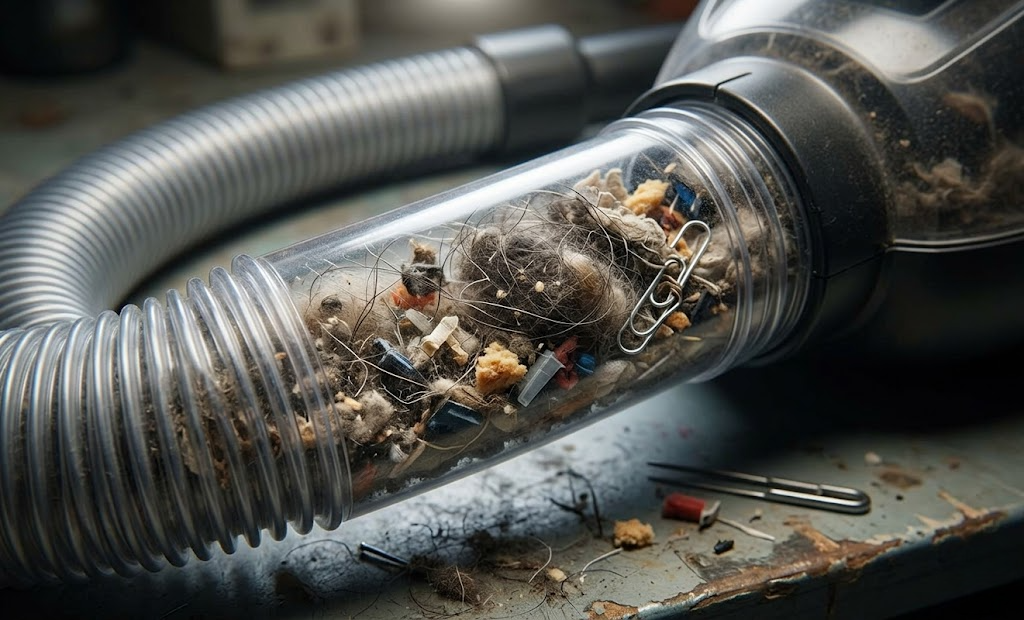
Fix:
- Clear all blockages
- Empty the dustbin or replace the bag
5. Ensure the Brush Roll Switch is On
Some vacuums have a separate switch to turn the brush roll on/off (especially for switching between hard floors and carpets).
Make sure:
- The brush roll mode is activated
- You are using the correct floor setting
6. Examine the Brush Roll Motor
If everything else looks fine, the motor itself may be the issue.
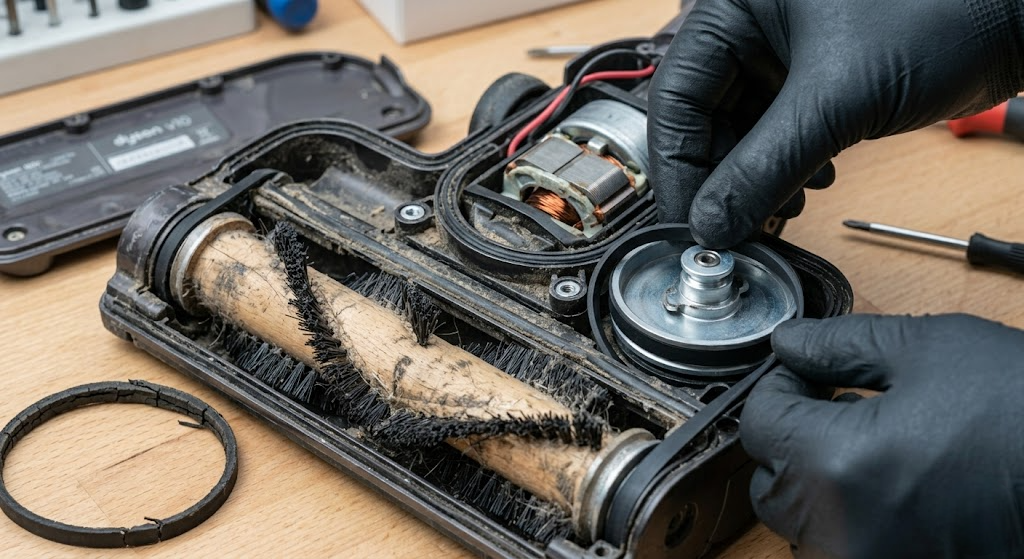
Signs of motor problems:
- Burning smell
- Strange noises
- Brush not moving at all despite power
In this case, you may need professional repair or replacement.
7. Reset the Vacuum (If Applicable)
Some modern vacuums have a reset button.
Try this:
- Turn off and unplug the vacuum
- Wait 10–15 minutes
- Press the reset button (if available)
Preventive Maintenance Tips
To avoid this issue in the future:

- Clean the brush roll every 1–2 weeks
- Avoid vacuuming large debris or strings
- Replace belts every 6–12 months
- Empty the dustbin regularly
- Check for blockages frequently
When to Replace Instead of Repair
Sometimes repairing isn’t worth it. Consider replacing your vacuum if:
- The motor is completely damaged
- Repairs cost more than a new vacuum
- The vacuum is very old and inefficient
Final Thoughts
A vacuum brush roll that won’t spin can be frustrating, but it’s often a simple fix. By checking for tangled debris, inspecting the belt, and clearing blockages, you can restore your vacuum’s performance in no time.
Regular maintenance is the key to keeping your vacuum running smoothly and extending its lifespan.